Информация
- Дата выхода: TBA
-
Разработчик:
Imagimotion IV Productions -
Издатель:
IV Productions -
Жанры:
Стратегии
Галерея
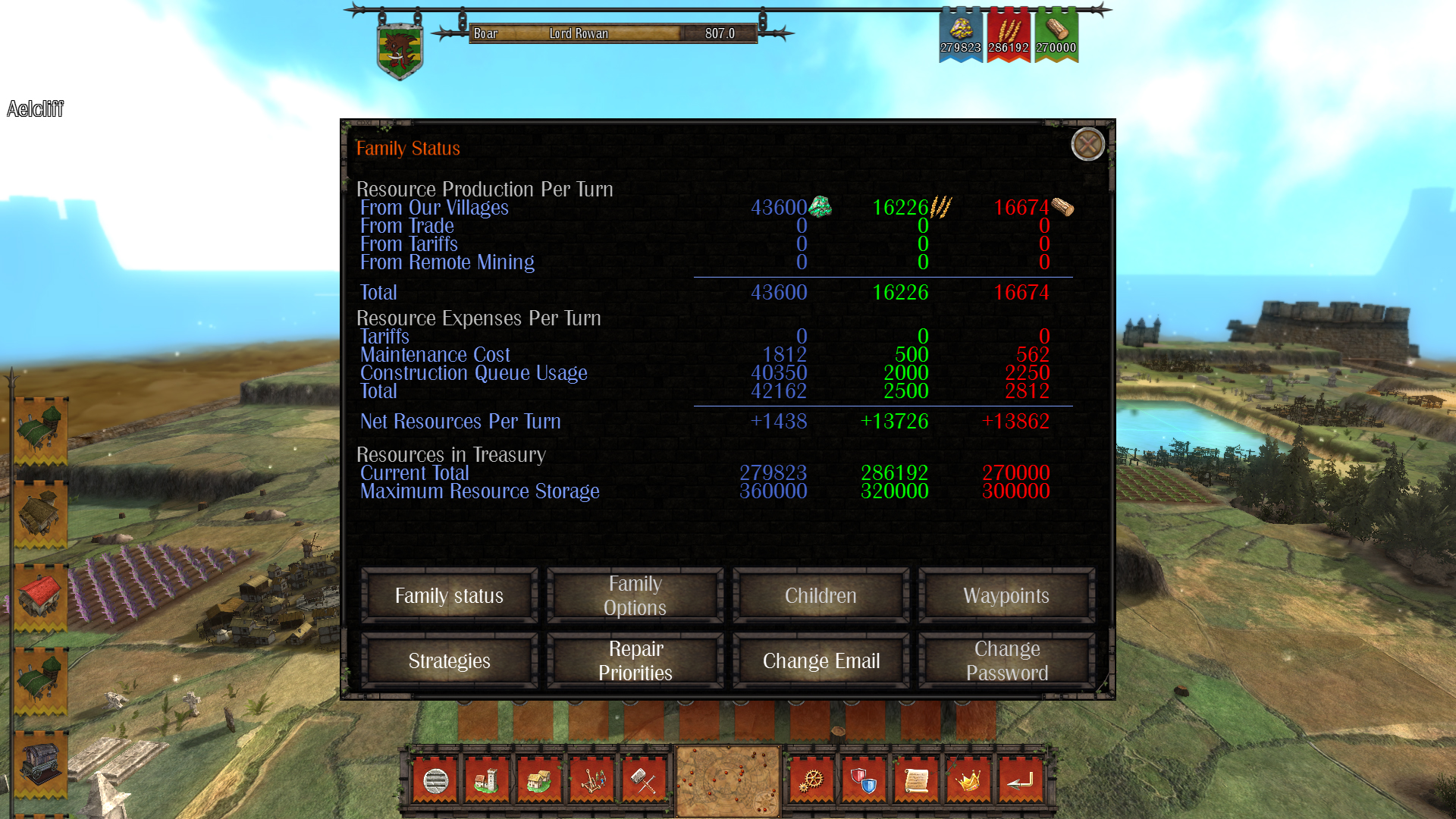
Feudalism
Предложения магазинов
| Магазин / Продавец | Товар | Цена | |
|---|---|---|---|
|
Plati.Market MARKET
Лучшая цена
|
Feudal Alloy 💎 АВТОДОСТАВКА STEAM GIFT РОССИЯ 🛒 12+ | 43 ₽ | |
|
Plati.Market MARKET
|
Life is Feudal Forest Village STEAM KEY GLOBAL+РОССИЯ 🛒 87+ | 185 ₽ | |
|
Plati.Market MARKET
|
Life is Feudal: Your Own ⚡ Steam РОССИЯ+МИР КЛЮЧ⭐ + 🎁 Подарок 🛒 9+ | 189 ₽ | |
|
Plati.Market MARKET
|
✅Life is Feudal Your Own✔️Steam⭐Ключ Активации🔑РФ+СНГ+МИР✔️АКЦИЯ🎁0% Карты💳 🛒 170+ | 199 ₽ | |
|
Plati.Market MARKET
|
Life is Feudal: Your Own STEAM KEY GLOBAL+РОССИЯ 🛒 354+ | 210 ₽ | |
|
Plati.Market MARKET
|
✅Life is Feudal Your Own + Life is Feudal Forest Village✔️Steam⭐Ключ🔑РФ+СНГ+МИР 🛒 131+ | 299 ₽ | |
|
Plati.Market MARKET
|
First Feudal 💎 АВТОДОСТАВКА STEAM GIFT РОССИЯ 🛒 13+ | 518 ₽ | |
|
Steam
|
Лицензионный ключ/Гифт | 349 ₽ | Купить |
|
Plati.Market MARKET
|
Life is Feudal: Your Own * RU/KZ/СНГ/TR/AR * STEAM 🛒 9+ | 1 049 ₽ |
Об игре
Multiplayer Configuration
Basic Configuration
The host user starts the game and creates a savegame file which must be shared with other players.
Players get the file and play their turn normally and when they finish, a new file with all player actions is generated.
This file must return to the host, which will then eventually generate a new savegame.
The cycle repeats.
It may sound old-fashioned as a solution, but offers some clear advantages:
- Anyone can act as a server and they do not need anything except the game itself. There is no need for fancy hardware or expensive dedicated server or hosting services.
- The match can be played asynchronously. It is not necessary that players play all at the same time.
- If a player forgets or can not perform his turn for some reason, the AI of the game can take over and prevent the player losing their turn.
You can synchronize the file using many free cloud storage solutions like Dropbox.
Keep in mind the only one thing with this type of approach to the game: When the Host processes their turn, all your units move at the same time of your enemy.
Verbose Configuration
The multiplayer game is created exactly like a single player game, except it should be specified that it is a multiplayer game, and shall provide a folder in which data is exchanged. Optionally (but highly recommended) a password can be set. Each player can set a password (and change it at any time), to protect their data.
Here's how to create a multiplayer game using Dropbox as a synchronization tool.
First, in the options of the initial game menu we need to set the shared folder.
The special tag %userpath automatically takes the user profile location on hard drive, for example C:/Users/UserName/.
It should be done only once, unless you decide to change the folder, of course.
In this case it shoulld point to a subfolder of Dropbox installed on your computer.
The next step is to create a New Game and configure it as you prefer.
In this case, each family added manually, will then be controlled by a different human player, so do not forget to enter all your friends! :-)
From the Multiplayer Settings panel, then you must set the correct modes of play, precisely Multiplayer.
From here it is possible to override the shared folder, if desired (output path). It is useful if you want to make more games simultaneously, for example, and break them down by sub folders.
In addition, the password of the Game Master would always be a good idea to set it (default is master).
These are the basic settings for the Multiplayer. Then there are lots of options that relate to the game itself, but these ones we leave you to discover! :-)
Point 1
After the configuration, starting the game, the host creats the first savegame. The game is created!
A simple message informs us that everything is ready.
The file name has a unique id for each game.
Once the message is closed, the game will automatically return to the main menu.
Point 2
Now, all the other players, who have the shared folder set to the Dropbox folder, will gather the files on their computer. From the game menu, Load Game, Multiplayer tab, the file must be loaded.
(If the file is not there, make sure you have active sync on that folder!).
A new window prompts you to select your family and eventually, password.
Point 3
At this point, each player plays as they see fit, and when ready, press the End Turn command, closes his turn and the data end up in a special file created in the shared folder.
The new message tells us that the file was created.
Point 4
The host player, will find in his shared folder the files of everything. In agreement with the other players, he will decide when to run the new turn and start again from step 1.
Conclusions
As you can see the mechanism is quite simple (just play one turn to figure out how it works) and using any free file sharing service like Dropbox, you then do not have to worry about sending or moving files (normally play, finish the turn, end ... you not to do anything else).
And if you are anti-file sharing services, you can always exchange your files as you wish, by email or floppy if you prefer! :-)
And if you are a programming geek and want to create your automated data exchange service...you can do it because the host can be run from the command line!
Об игре

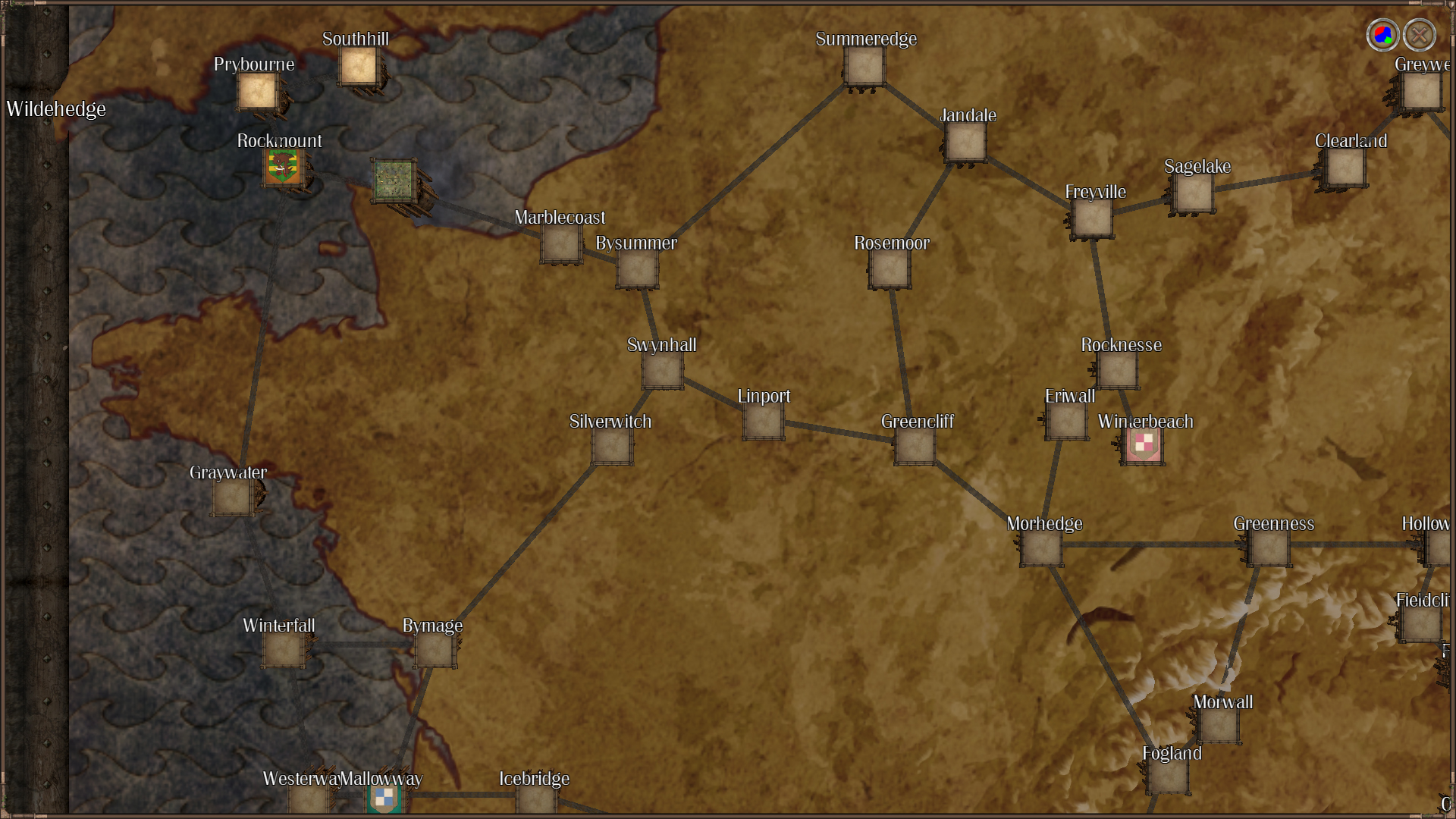
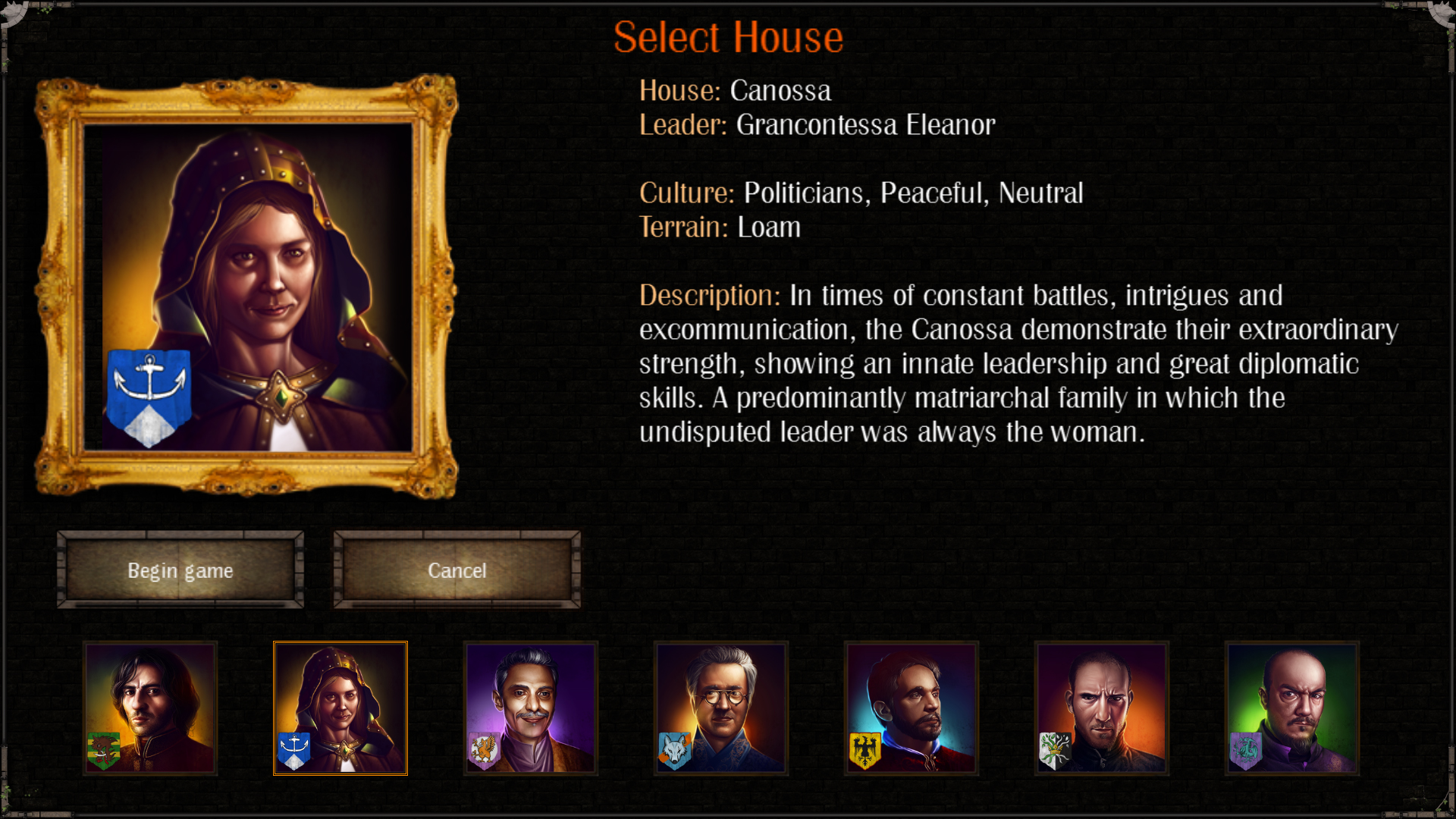
Conquer Europe, become an Emperor.
Build your family’s dynasty through seven centuries, from 800 A.D. to 1492 A.D., up until the inevitable collapse of the feudal system.

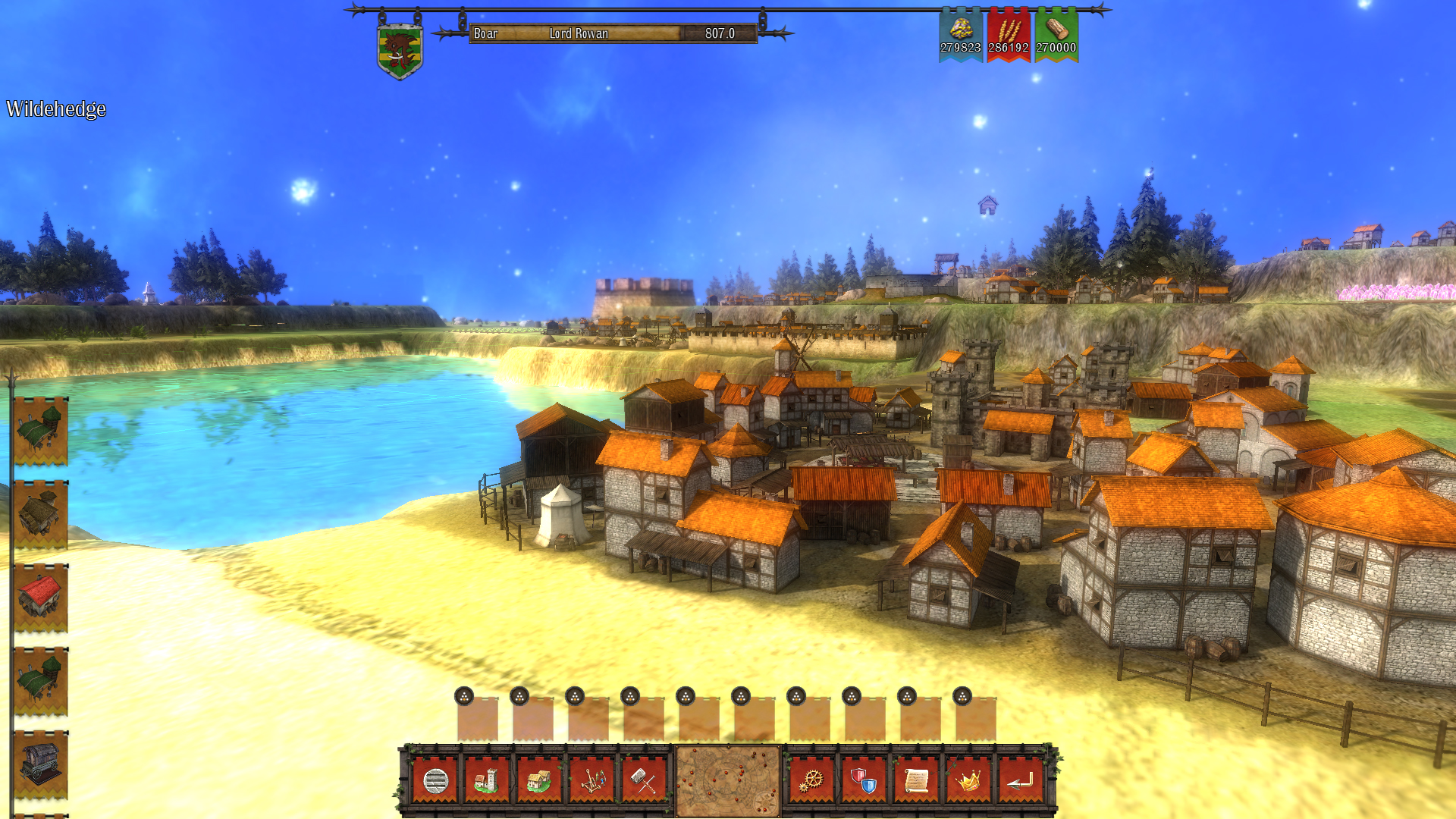
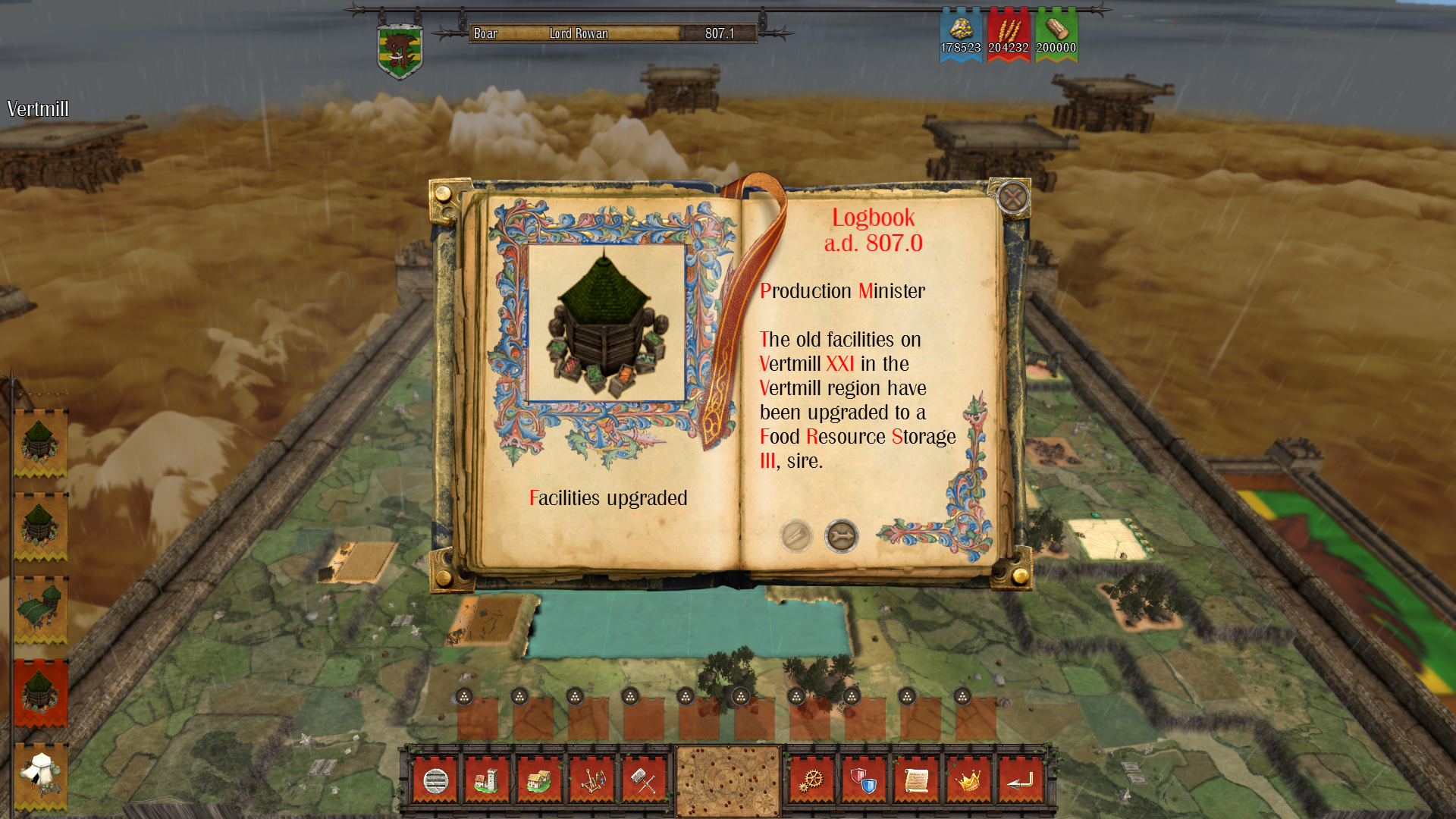
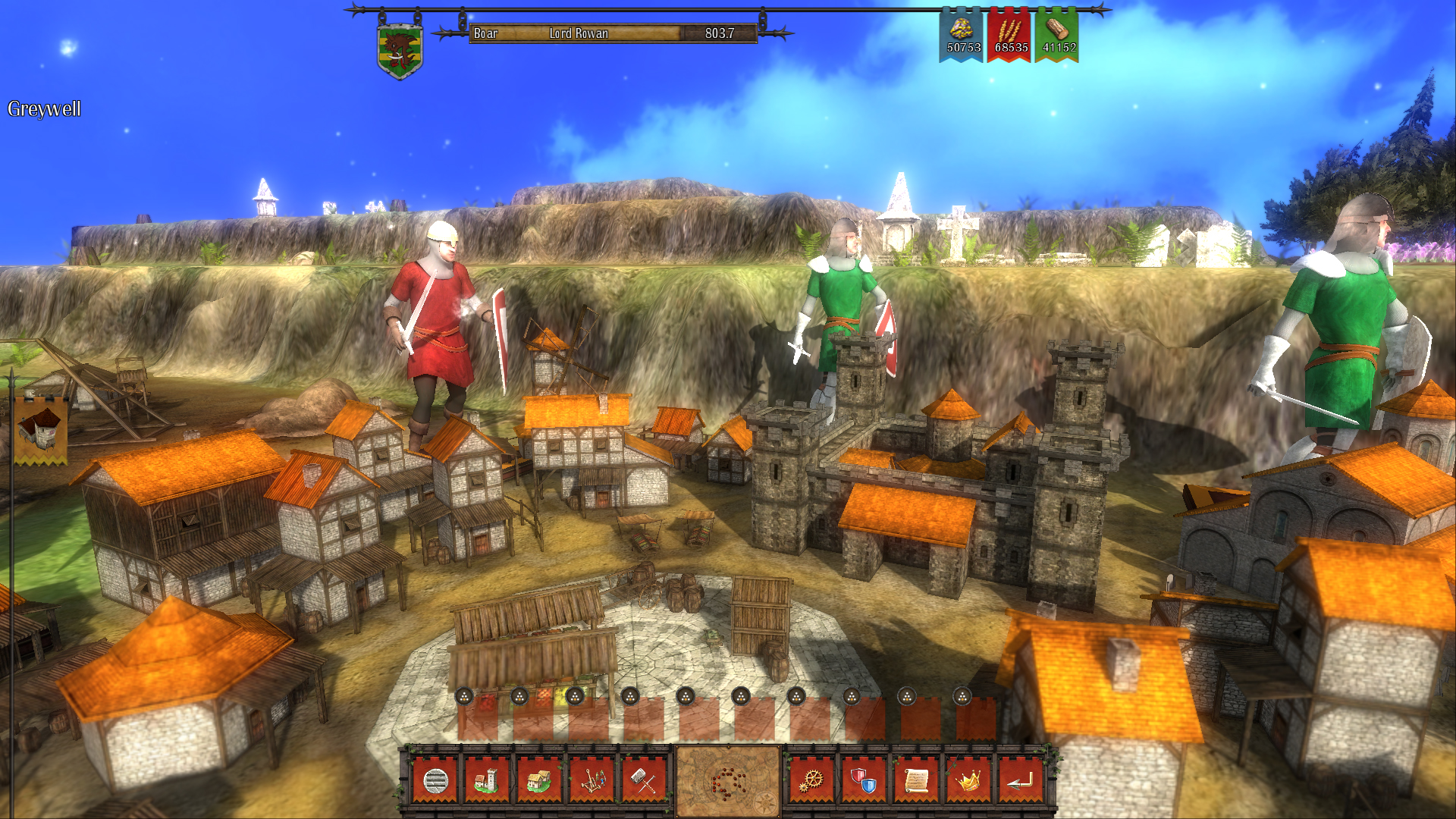
Feudalism is a turn-based strategy game with a focus on traditional gameplay with your management and strategy skills being pivotal to your success!
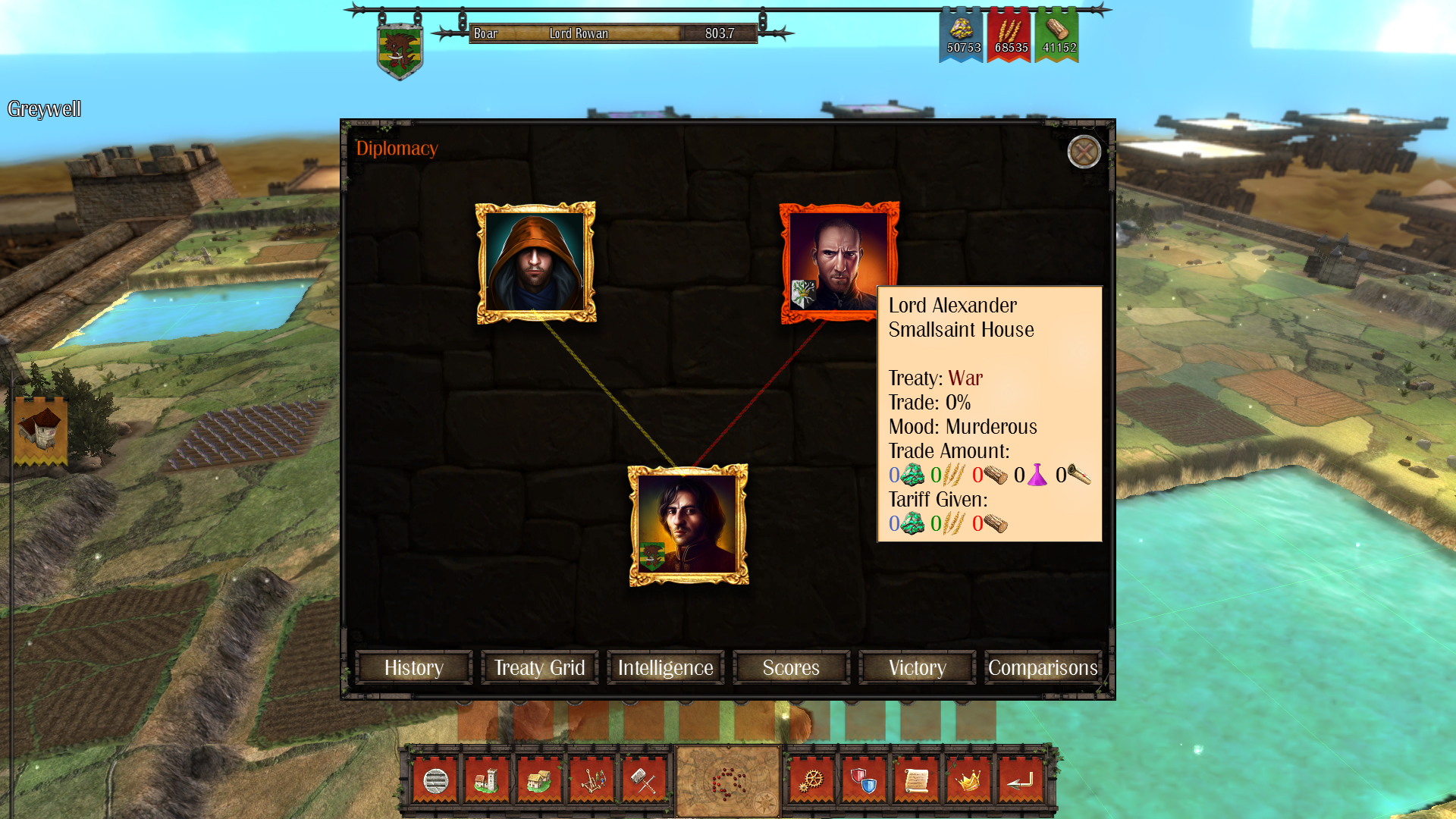
Your success is measured by your ability to envelop and strengthen your family's influence across Europe; using trade, colonization, conquest and some tactical assassinations. Arranged marriages can be used as a strategic way of influencing other realms. It is possible to effect greater change with a single marriage than would be possible with an army of your strongest warriors.
The world is a dangerous place. Nature may be your greatest adversary. When the heavens erupt with thunder and lightning, you must take steps to ensure your crops aren’t forfeit. Cut down and burn the surrounding woodland to keep the population warm and their meals hot.
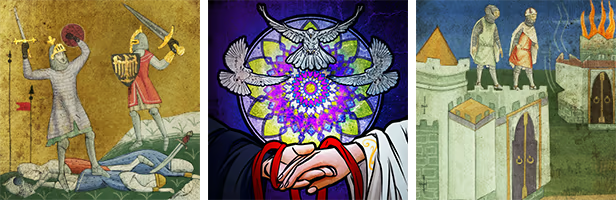
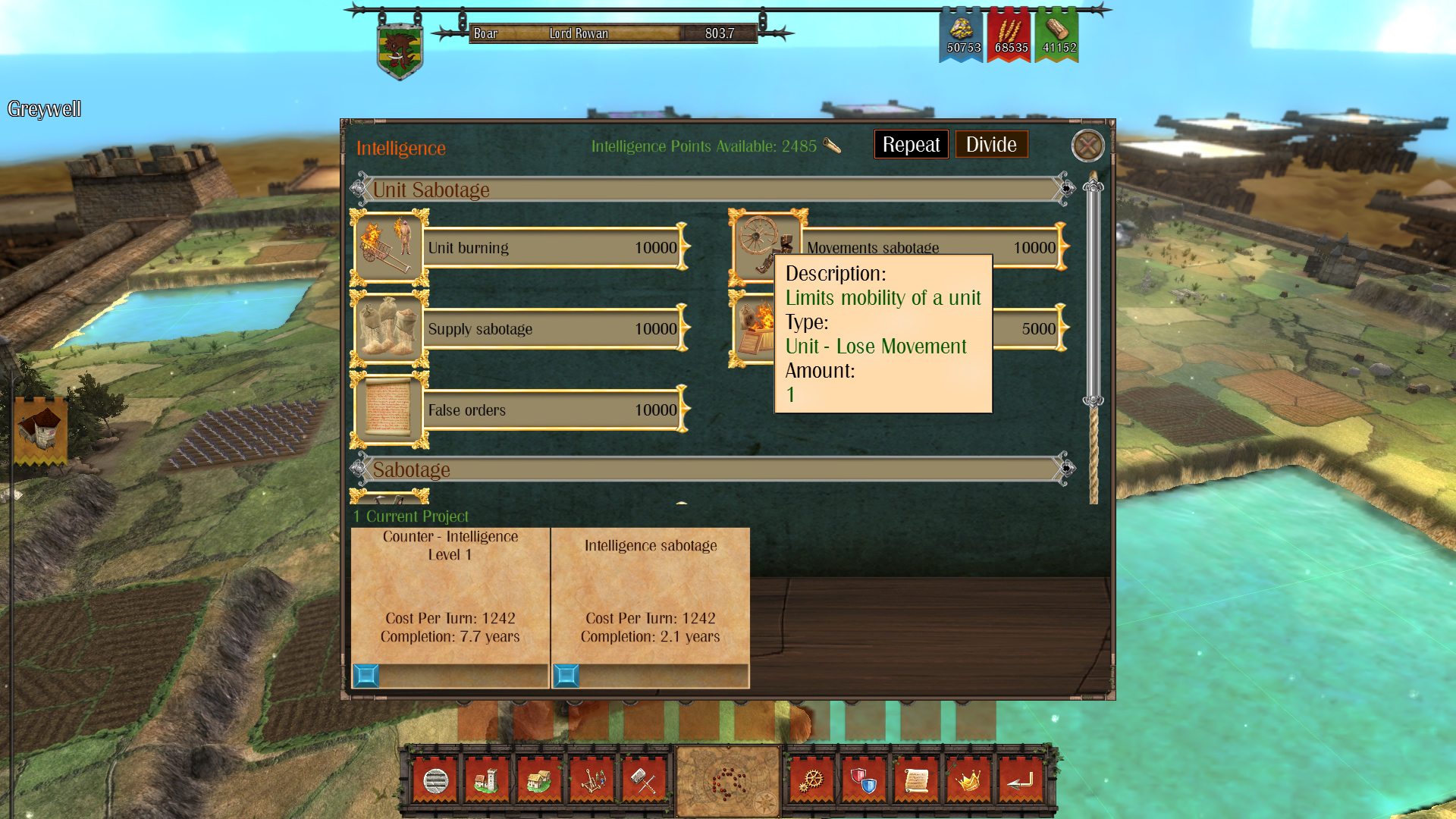
As the population grows, it will be imperative to expand their knowledge. Only by being at the forefront of new sciences and technologies, will you be able to defend yourself against greater enemies. Increased knowledge provides the benefit of increasing production efficiency. However, knowledge and skepticism can lead to questions, and questions can lead to rebellion!
IV Productions
Системные требования (PC)
- ОС *: Windows 7
- Процессор: Intel i5 2.8Ghz
- Оперативная память: 4 GB ОЗУ
- Видеокарта: ATI 66xx / GNvidia GT 540
- Место на диске: 2 GB
- Дополнительно: A monitor supporting 1024x768
Рекомендованные:
- ОС: Windows 10
- Процессор: Intel i7 2.8Ghz
- Оперативная память: 4 GB ОЗУ
- Видеокарта: ATI HD 7850 / GNvidia GT 750
- Место на диске: 2 GB
- Дополнительно: A monitor supporting 1920x1080
Похожие игры


Часто задаваемые вопросы
Выберите предложение из таблицы выше и нажмите кнопку "Купить". Вы будете перенаправлены на страницу магазина, где сможете завершить покупку. Для товаров с маркетплейсов (Plati.Market, GGsel) вы получите цифровой ключ или аккаунт после оплаты.
Да, покупка ключей на проверенных маркетплейсах (Plati.Market, GGsel) безопасна. Все продавцы проходят верификацию, а платформы предоставляют гарантии. В случае проблем вы можете обратиться в поддержку маркетплейса для возврата средств.
Steam: Прямая покупка в официальном магазине Steam. Ключ активируется в вашей библиотеке Steam. Ключи: Цифровые ключи активации, которые можно купить дешевле. После покупки вы получите ключ, который нужно активировать в Steam. Оба варианта дают полную лицензию на игру.
Возврат зависит от магазина. Steam позволяет вернуть игру в течение 14 дней и менее 2 часов игры. Маркетплейсы обычно предоставляют возврат только в случае проблем с ключом (не активируется, уже использован). Перед покупкой ознакомьтесь с политикой возврата конкретного магазина.
Цены различаются из-за разных факторов: региональные цены, скидки, акции, валютные курсы. Маркетплейсы часто предлагают более низкие цены, так как продавцы могут покупать ключи оптом или в других регионах. Мы показываем все доступные предложения, чтобы вы могли выбрать лучшее.